
This article was updated in November 16, 2026 with new products and information by Mark S. Taylor
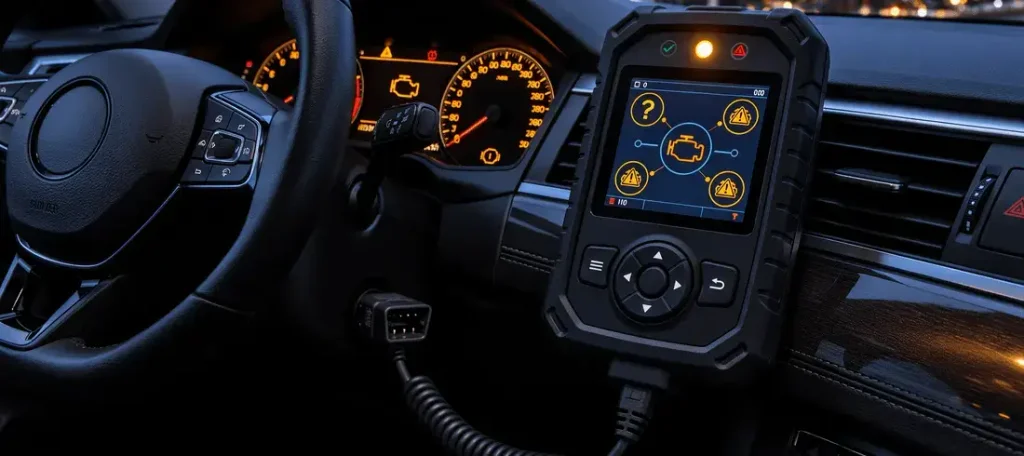
You plug an OBD2 scanner into your car’s diagnostic port before heading to a state emissions inspection. The check-engine light is off, but the scan tool screen shows “Catalyst: Not Ready” or “EVAP: Incomplete.” It is easy to assume an emissions component has failed or that your vehicle will automatically flunk inspection.
Answer Capsule: An OBD2 readiness monitor reports whether your car’s computer has completed a specific emissions self-test. A “Not Ready” status means that test has not finished running under the required operating conditions. It is not, by itself, proof of a broken sensor or failed part.

Your vehicle’s onboard computer constantly checks emissions-related systems while you drive. These automated self-tests are known as readiness monitors. When a vehicle’s computer memory is wiped—such as after a battery replacement or a code clear—those monitors reset to “Not Ready” until the car completes a proper drive cycle.
Contents
- 1 Ready vs Not Ready vs Not Supported
- 2 Why Do OBD2 Monitors Become Not Ready?
- 3 How to Check Readiness With an OBD2 Scanner
- 4 Can You Pass Emissions With One Monitor Not Ready?
- 5 What Should You Do If a Monitor Stays Not Ready?
- 6 What to Avoid Before an Emissions Test
- 7 FAQs About OBD2 Readiness Monitors Not Ready
- 8 The Bottom Line
Ready vs Not Ready vs Not Supported
Not every OBD2 status message means the same thing. Understanding the distinction prevents unnecessary parts replacement:
| Scanner Status | Meaning | What It Tells You |
| Ready / Complete | The monitor has finished its emissions self-test | The system has been successfully evaluated since the last memory reset |
| Not Ready / Incomplete | The monitor has not yet finished its self-test | The computer does not have a completed evaluation result stored |
| Not Supported / N/A | The vehicle does not utilize or report that monitor | It is not a test your vehicle’s emissions architecture requires |
As noted by the Texas Department of Public Safety, a Not Ready status is fundamentally different from a diagnostic trouble code (DTC). A DTC flags an active fault condition, whereas readiness simply tracks whether a self-test cycle has successfully executed. A vehicle can have zero stored trouble codes and still display one or more monitors as Not Ready.


Why Do OBD2 Monitors Become Not Ready?
Monitors commonly drop to an incomplete status due to routine electrical interruptions or maintenance:
1. The 12-volt battery was disconnected or replaced
A loss of continuous battery power clears the volatile memory in the engine control module, resetting all readiness monitors back to zero. Texas DPS identifies battery disconnection as the single most frequent reason vehicles show Not Ready status during inspections.
2. Diagnostic trouble codes were recently cleared
Erasing trouble codes with a scan tool immediately resets readiness monitors. If codes were cleared right before an emissions test, your check engine light may be dark, but the testing station’s computer will reject the car for incomplete monitors. Never clear codes immediately prior to an inspection.
3. The vehicle has not met precise enabling criteria
Monitors require exact operating parameters to run. These include specific coolant temperatures, intake air thresholds, fuel tank levels (often between one-quarter and three-quarters full for EVAP testing), vehicle speeds, and engine loads. If your daily commute consists solely of short trips, complex monitors like the evaporative emissions system may never find the right conditions to complete.
How to Check Readiness With an OBD2 Scanner
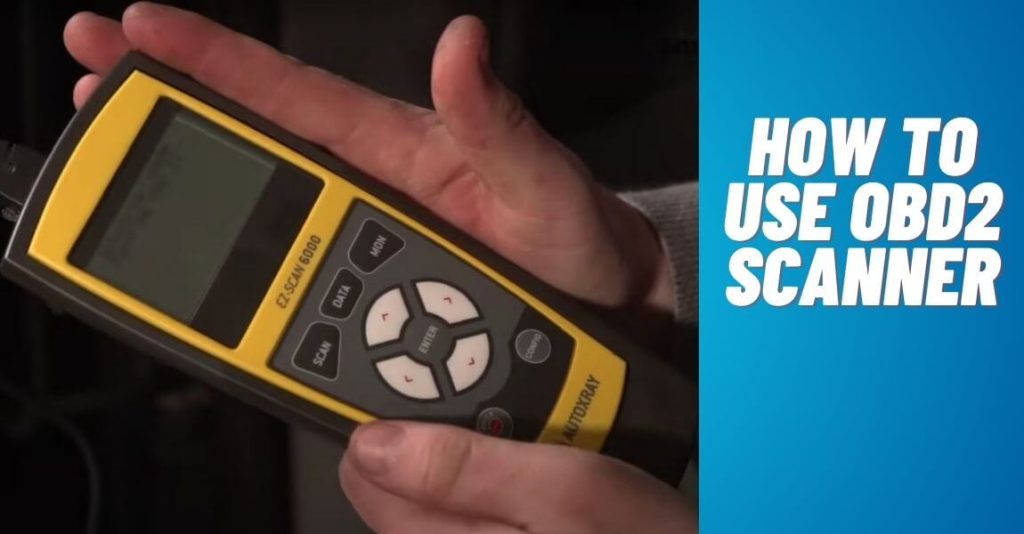
You need a scan tool capable of viewing live emissions data. The menu is typically labeled I/M Readiness, Monitor Status, or Emissions Readiness.
- Connect your OBD2 scanner to the under-dash port with the ignition on and engine off.
- Read and record any stored, pending, or permanent DTCs before touching anything.
- Open the I/M Readiness menu on your scan tool.
- Review the status of each individual monitor (Catalyst, EVAP, Oxygen Sensor, EGR, Misfire, etc.).
- Compare readings after completing normal driving conditions or required repairs.
(For a complete guide on operating diagnostic tools, reference The Car Buzz tutorial on how to use an OBD2 scanner.)
Can You Pass Emissions With One Monitor Not Ready?
It depends entirely on your state or local inspection program, your vehicle’s model year, and its fuel type. There is no universal federal rule that applies across every municipality.
Under federal OBD inspection procedures outlined in 40 CFR §85.2222, supported monitors are evaluated during testing, but model-year exceptions exist. State programs enforce their own standards. For example, California’s Bureau of Automotive Repair (BAR) and Texas DPS maintain specific guidelines regarding allowable incomplete monitors—typically permitting one incomplete monitor on newer vehicles while requiring 100% completion on older models or specific monitors like EVAP.
Before visiting an inspection station, check current rules for your registration state and verify your monitor status with a personal scan tool.
What Should You Do If a Monitor Stays Not Ready?
If a monitor refuses to complete after days of normal driving, investigate systematically:
- Check for pending codes: A pending fault or temperature regulation issue (such as a stuck-open thermostat) can prevent a monitor from initiating its test sequence.
- Verify operating conditions: Ensure your fuel level is within the typical 1/4 to 3/4 range required for EVAP tests and that your daily commute includes sustained highway cruising.
- Consult professional service data: If basic driving does not set readiness, a qualified technician can review live freeze-frame data and trigger manufacturer-specific drive cycles using advanced scan tools.
Pennsylvania Department of Transportation inspection guidance warns against unnecessary code clearing and notes that interrupted battery power is the primary culprit behind inspection rejections.
What to Avoid Before an Emissions Test
- Do not clear codes just to switch off the check-engine light.
- Do not disconnect the battery right before heading to the testing center.
- Do not assume Not Ready means a failed sensor without checking for trouble codes.
- Do not ignore active warning lights or severe engine running issues in an attempt to rush readiness completion.
FAQs About OBD2 Readiness Monitors Not Ready
Does Not Ready mean my car has a mechanical problem?
Not by itself. A Not Ready status simply means the vehicle’s computer has not completed that specific emissions self-test since the last memory reset or under the required operating conditions. Always check for stored trouble codes before assuming a part failed.
Why are my OBD2 monitors Not Ready after replacing a battery?
A loss of battery power clears the vehicle computer’s volatile memory and resets stored readiness information. The vehicle must then complete its supported emissions self-tests again under precise manufacturer driving conditions before reporting Ready status.
Can I pass emissions with one monitor Not Ready?
It depends entirely on your state or local inspection program, vehicle model year, and fuel type. Many states permit a single incomplete monitor on newer vehicles, while older models or specific monitors like EVAP may have stricter pass requirements.
Can an OBD2 scanner force a readiness monitor to Ready?
No. While an OBD2 scanner can read and display readiness status, it cannot force an incomplete self-test to complete. The vehicle’s control module must independently run and pass the diagnostic routine under correct operating criteria.
Is Not Supported the same thing as Not Ready?
No. Not Supported means the vehicle’s emissions architecture does not utilize or report that specific monitor. Not Ready means the monitor is supported by the vehicle but has not finished running its self-test cycle yet.
The Bottom Line
OBD2 readiness monitors confirm whether your car’s computer has successfully finished its emissions self-tests. A “Not Ready” status does not automatically indicate a mechanical failure. Record any stored codes, avoid clearing data unnecessarily, and verify your local state inspection guidelines before presenting your vehicle for testing.